LogRocket is a session replay, error tracking, and product analytics tool.
The Userflow-LogRocket integration enables you to see Userflow content, such as flows, checklists, and the resource center, in LogRocket’s session replay view. Without this integration, Userflow’s content appears as striped-out rectangles.
LogRocket projects and Userflow environments
We suggest creating a separate LogRocket project for each of your application’s environments (e.g., production and staging) and setting up the corresponding environments in Userflow. This is to prevent, for instance, staging data from contaminating production data.
A Userflow-LogRocket integration connects a single Userflow environment to a single LogRocket project. If you have both a staging and a production environment, you must run the setup for both environments.
Setup guide
Sign in to Userflow and select the environment you want to work with from the drop-down in the upper-right of the screen.
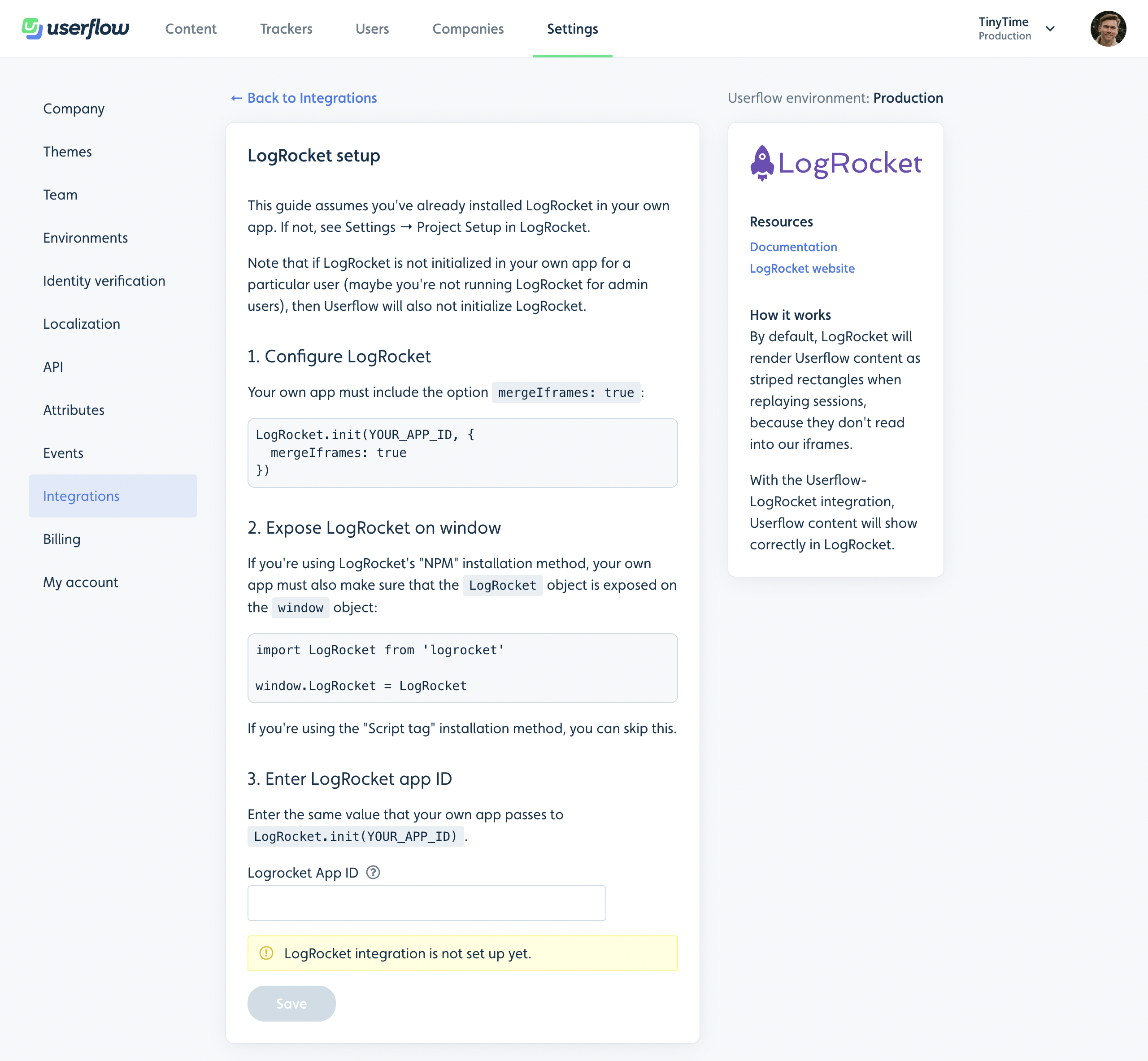
Select Settings > Integrations from the sidebar.
Click Add integration.
Click LogRocket.
Click Add LogRocket.
Follow the instructions on the screen and click Save.