To delete a team member…
If you want to know more about how to manage your team members, you can learn about how to invite team members here, and how to manage roles and permissions here.
Go to Settings and then to Team.
.webp)
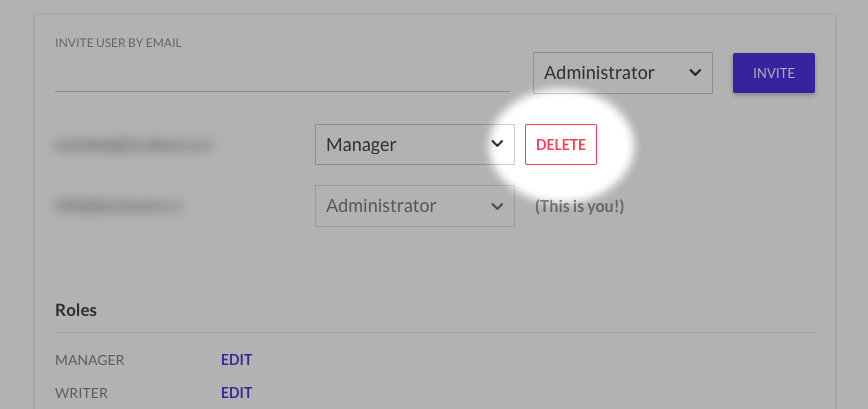
Look for the user you want to delete in the team member list.
Click on Delete.
Don't forget to save your changes.
See who removed a team member
Beamer keeps an audit log of changes made in your account, such as removing a team member or creating and editing API keys. To see who made a change, and when, go to Settings > Audit logs. The log goes back to when your product was created.
Audit logs are available on the Pro plan and above. Anyone with the Edit Product Info permission can see them, which by default means Admins and Managers.
On the Scale plan, each post also has its own history in the post editor, showing who created, edited, published or saved it as a draft.