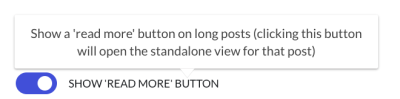
To control whether a “Read More” button appears on posts, go to Settings and select Appearance. In this section, toggle the “Show Read More” Button option to either enable (show) or disable (hide) the button. This setting is useful if you want to encourage readers to view entire posts or prefer displaying full content immediately.
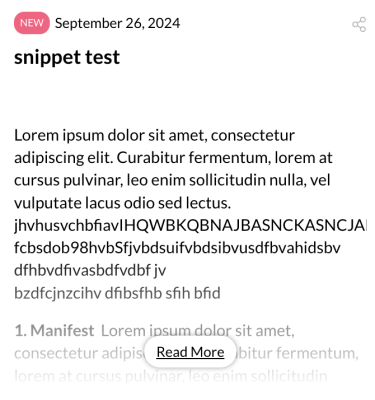
Read More affects posts in your feed and Popup announcements. Turn it off and a Popup shows the full post.
It doesn't affect Snippets. A Snippet always shows a short preview (50-character title, 100-character description). See What is the maximum number of characters allowed in the snippet?