Views and Unique Views are metrics used to track user engagement with a post or content. These help measure how often content is being accessed and by how many distinct users.
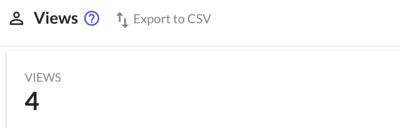
Views: Views represent the total number of times a specific post or content has been accessed. Each time a user interacts with a post (whether from a top bar, snippet, or standalone page), it counts as a view.
Example: If a user clicks on a post and views it from multiple sources (e.g., Topbar, in-app, standalone), each interaction is counted separately.
Total Views = 4 (if accessed 4 different times from different/same places).
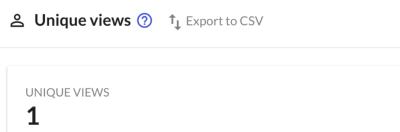
Unique Views: Unique views represent the number of distinct users who have accessed the post. Even if a user views the same post multiple times, they will only be counted once in unique views.
Example: If the same user views the post from multiple sources, it is only counted as one unique view.
Unique Views = 1 (even if the post is viewed multiple times by the same user).
Note: To ensure that views, unique views, and clicks are correctly tracked, make sure to always pass the user_id parameter, you can refer to more for the same in this article. This allows the system to accurately track and calculate the analytics for each user.
Unique Views vs. Monthly Active Users
Unique Views and Monthly Active Users (MAU) are different counts. Unique Views are scoped to a single post — the distinct users who viewed that post. Monthly Active Users are scoped to your whole account — the distinct users who loaded Beamer anywhere in a given month. A user can add to your MAU without registering a unique view on any specific post. See How are Monthly Active Users calculated?