The "Made with Userflow" link is a small watermark on your Userflow content, such as flows and checklists. Whether you can remove it depends on your plan. On some plans it can be removed from everything except the Resource Center. To see what's included in your plan, check your billing settings.
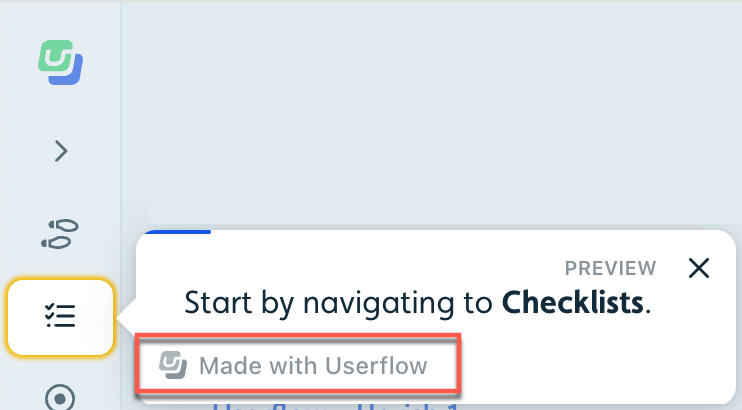
How do I remove the "Made with Userflow" link?
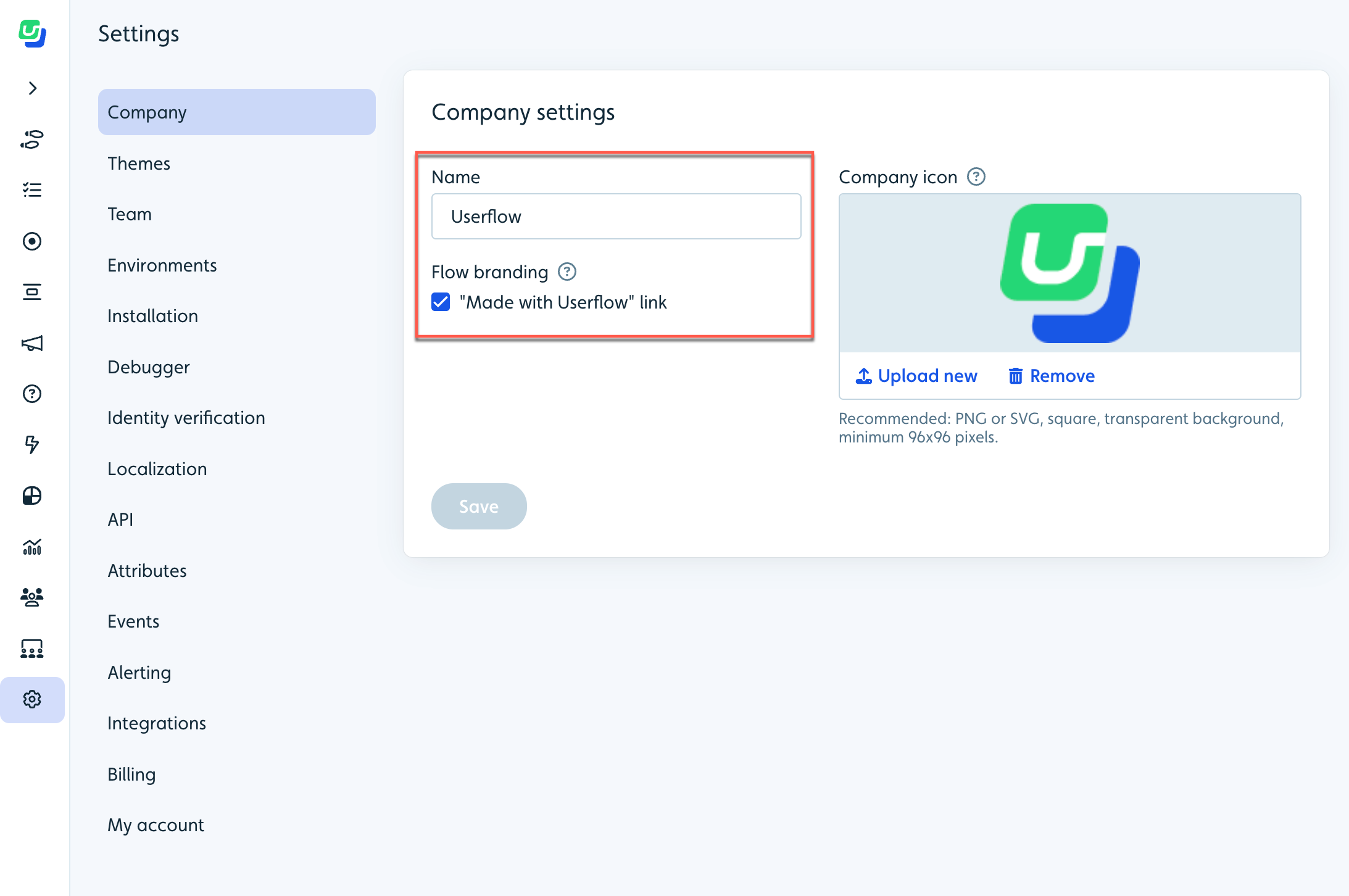
Select Settings > Company from the sidebar.
Clear the "Made with Userflow" link checkbox.
Click Save.
The change applies to all your content at once. To change how your content looks in other ways, see Customizing Themes.