Welcome to the Userflow Help Center
Whether you're just getting started or you're upping your game, we've got you covered.


What can Userflow do for you?

Onboard new users
Give your dev team a break. Our intuitive flow builder lets anyone build smart, sleek onboarding flows with just a few clicks.
Learn more
Drive product adoption
Our no-code tools can highlight key features and provide workflow guidance, and always-on contextual help.
Learn more
Collect feedback
Capture valuable insights directly from within your app and ensure timely and relevant feedback.
Learn more
Boost self-support
Empower users to find answers without leaving your app, while freeing support teams for higher-value tasks.
Learn moreBrowse by Category

Embeds/Banners
Embed engagement seamlessly in your app to deliver customizable checklists and banners for updates, new features, maintenance, and more.
Learn more
Flows
Create interactive, step-by-step tutorials, onboarding sequences, and feature introductions using tooltips, speech bubbles, and modals.
Learn more
Checklists
Checklists anchor new user onboarding. Embed them on app pages or connect to a launcher button.
Learn more
Resource Center
Always-on, contextual and personalized help widget empowers your users to find help on their own, directly in your app.
Learn more
Adoption Agent
Deliver AI-driven answers to your users' questions within your app, leveraging your knowledge base and website.
Learn more
Launchers
Embed beacons, icons, or buttons to guide user attention to key app features and add explanatory tooltips where needed.
Learn more
Survey/NPS
Deploy customizable in-app targeted surveys at key moments to capture sentiment, feedback, and experiences.
Learn more
Announcements
Announcements let you update users about new features, fixes, and events directly within the resource center.
Learn more
Analytics
Get robust out-of-the-box analytics to learn how your users interact with flows, checklists, launchers, and more.
Learn more
Customizations
Make flows and content look native to your app using themes, localization, and more without any CSS or coding skills.
Learn more
Troubleshooting
Get guidance troubleshooting tips and tricks for resolving common issues.
Learn more
Integrations
Seamlessly integrate with your existing tools, whether they're CRMs or analytics platforms - we've got you covered.
Learn more
Can I customize the appearance of my onboarding modals and flows?
Yes, you can customize the theme of your onboarding experience to make it look like a native part of your app. Build custom themes in an easy-to-use WYSIWYG no-code editor to customize all aspects of your theme.
Learn More
Do I need to install Userflow.js to test my onboarding content?
No, you can preview anything you build in Userflow using the Userflow Chrome extension without installing Userflow.js. Once you're ready for your users to start seeing your flows, follow the instructions in the Userflow.js installation article.
Learn More
What is the Userflow Debugger used for?
The Userflow Debugger is a tool for diagnosing issues with flow triggering, particularly for flows with auto-start conditions that aren't appearing as expected.
Learn More
How do I A/B test a flow in Userflow?
To A/B test a flow, create a baseline flow, duplicate it, assign different conditions for each flow based on the A/B Test Group attribute, and then publish both flows.
Learn More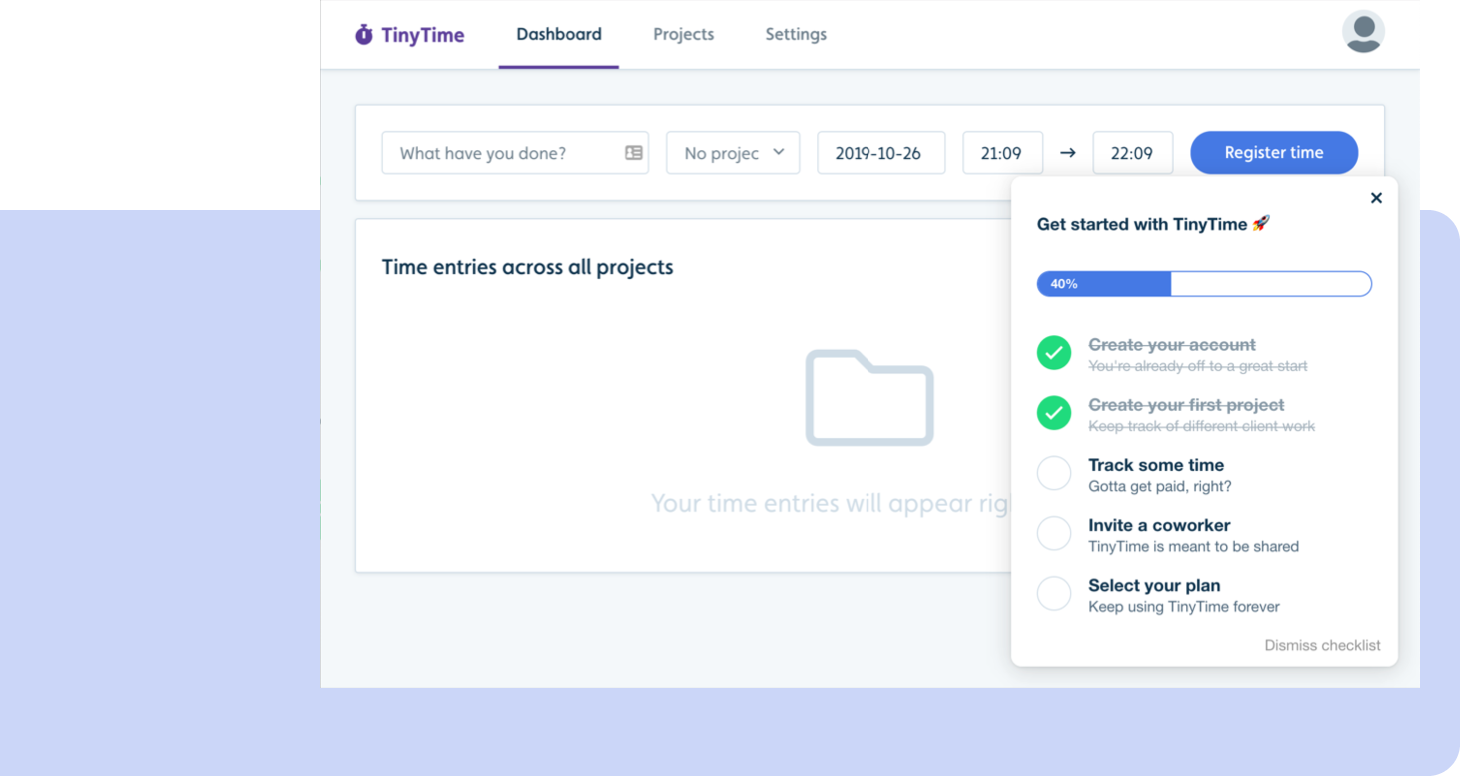
Keep Users Focused and On Track, One Check at a Time
Userflow’s Onboarding Checklists keep users on track with step-by-step guidance, reducing drop-off and accelerating product adoption.
Turn every in-app interaction into progress
Whether you’re launching onboarding for the first time or optimizing a mature product, Userflow gives you the product adoption tools and intelligence to turn users into champions.